Bat Client.
Built to be faster.
Bat Client by Raven is a free Minecraft Java launcher with game profiles, performance tools and a companion Fabric mod. This is the official website: batclient.xyz.
Bat Client is an independent project, unrelated to BatMod at batmod.com. About Bat Client and the difference →
Most "performance" clients are just a list of mods stapled together. We took the opposite approach — fewer moving parts, less to conflict, more to gain.
The stuff that's actually different
Features (not a sales pitch)Frames that don't drop mid-fight
Bat Client tunes chunk rendering and memory allocation so your FPS stays steady when everything happens at once, instead of tanking right when it matters. It adapts render distance to what your GPU is actually handling.
Input that goes straight to the game
We skip the extra processing steps between your mouse and the screen. The result is a more direct, more responsive feel in PvP — no added layers deciding to slow you down.
A HUD you actually set up your way
Move, resize, recolor, or hide every HUD element — keystrokes, armor, a reach counter. Drag and drop it where it works for you, or pull a preset from the community.
Forge & Fabric
Runs the versions you actually play — from the legacy 1.7.10–1.12.2 days on Forge to modern Fabric on 1.16.5 and up.
Your mods included
Bring your own mods and cosmetics. Bat Client plays nice with most utility and visual mods — it just doesn't stack two performance mods on top of each other.
Setup in minutes
The installer spots your Minecraft folder and Java automatically. No config files to hunt down, no steps to break. You're in game fast.
See Bat Client in action
Real screenshots from the launcher — no mockups, no renders. Use the arrows to flip through.
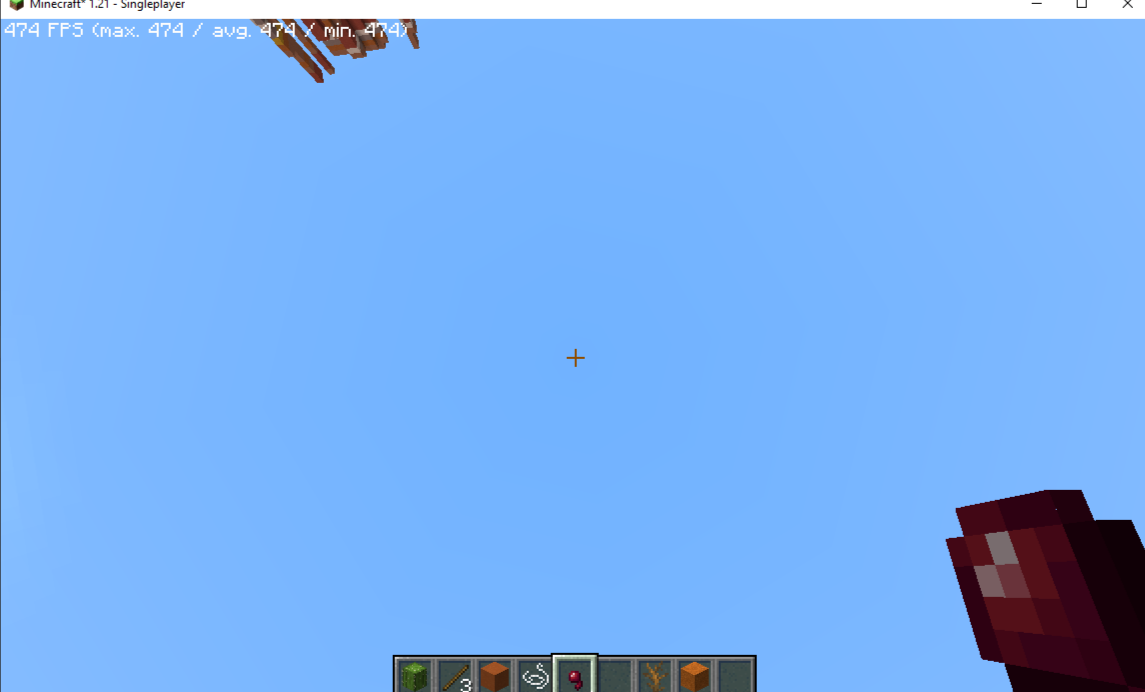
474 FPS on Minecraft 1.21
Real in-game performance with Bat Client optimizations running on Fabric 1.21.
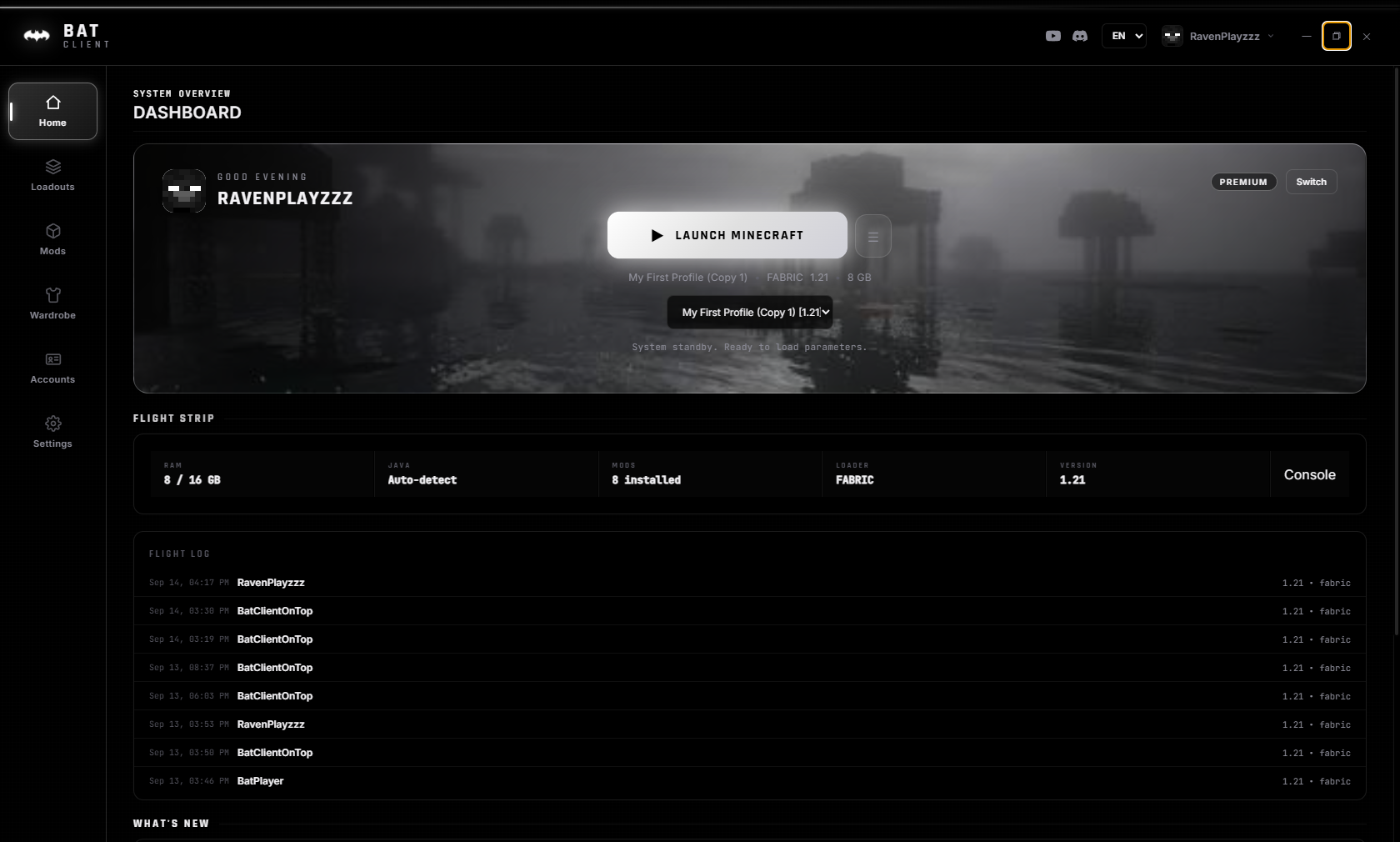
Dashboard
One-click launch, RAM settings, mod count, loader info, and flight log — all on the home screen.
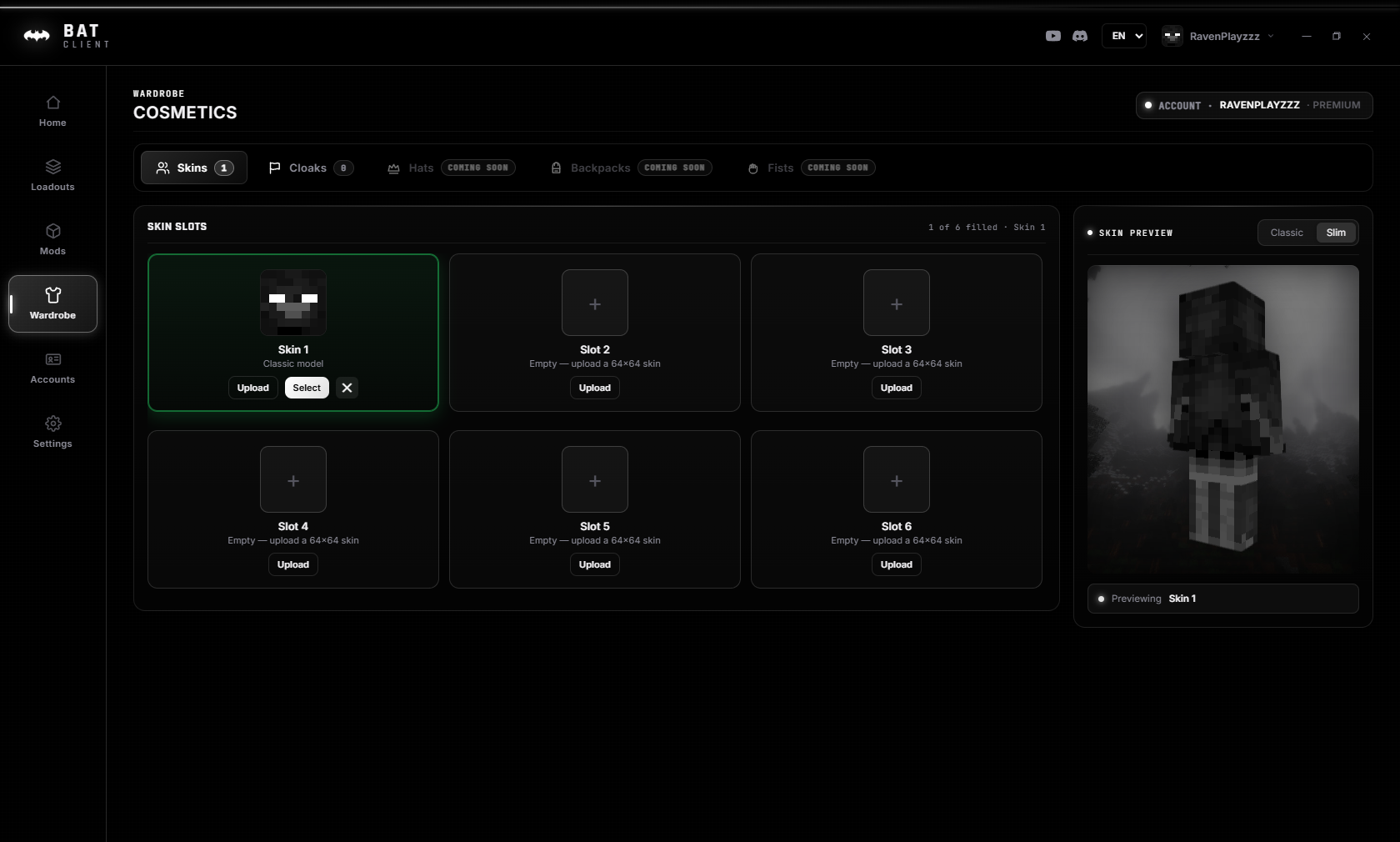
Cosmetics & Wardrobe
Custom skins and animated capes — upload your own or pick from the library. Shows in-game on any server.
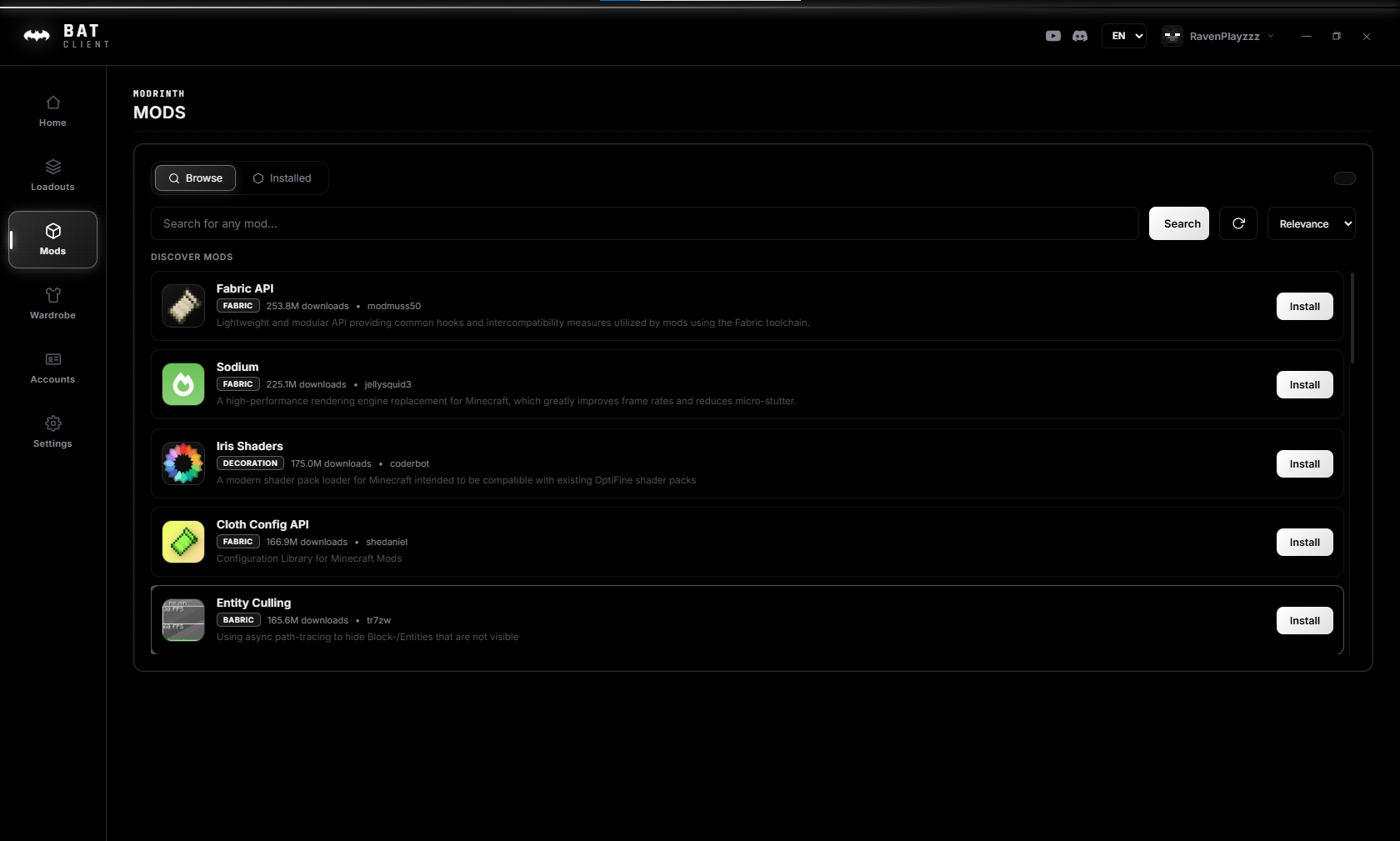
Built-in Mods Browser
Browse and install Fabric & Forge mods directly from Modrinth without leaving the launcher.
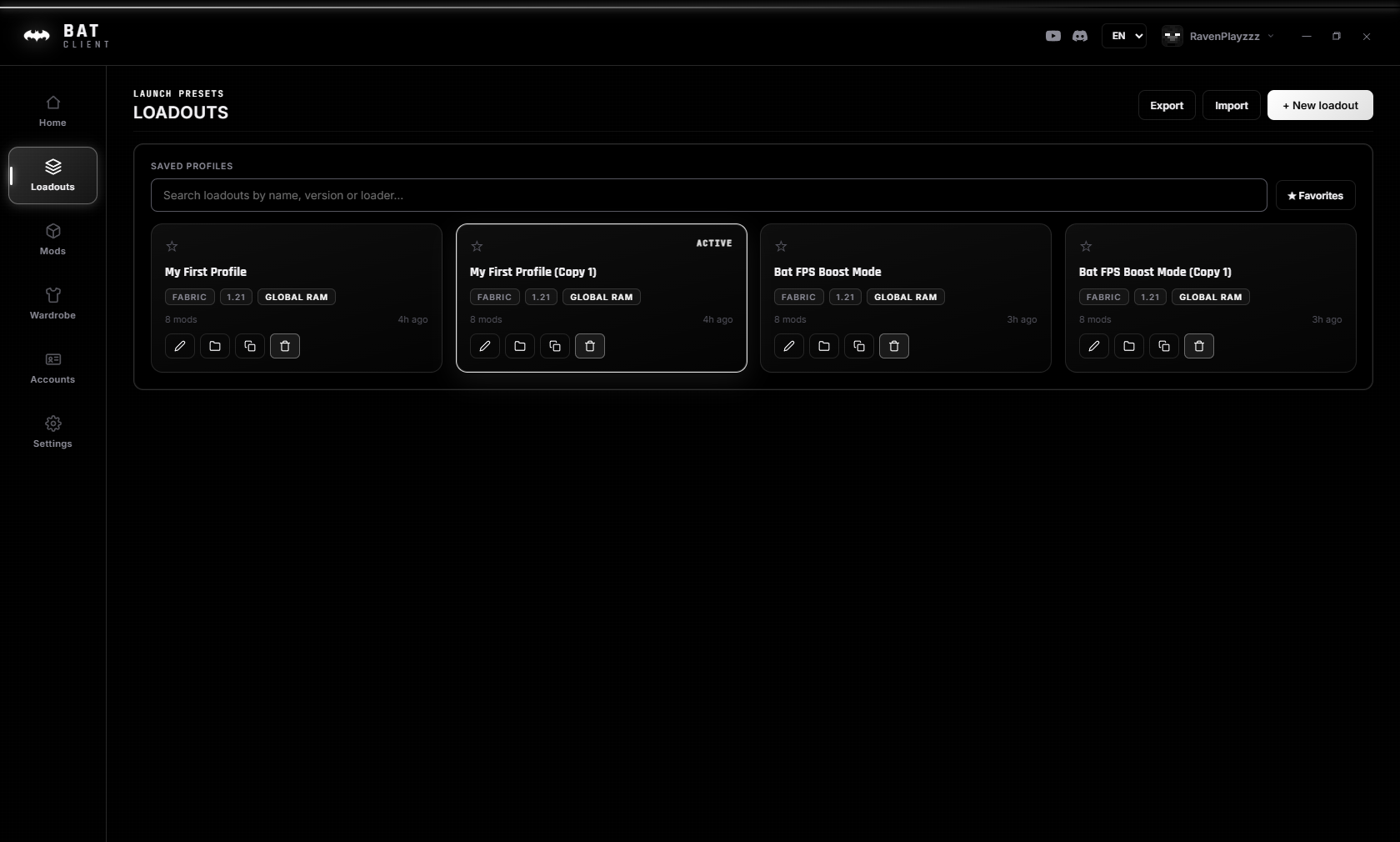
Loadouts
Switch between different mod sets, profiles, and game versions instantly. No reconfiguring needed.
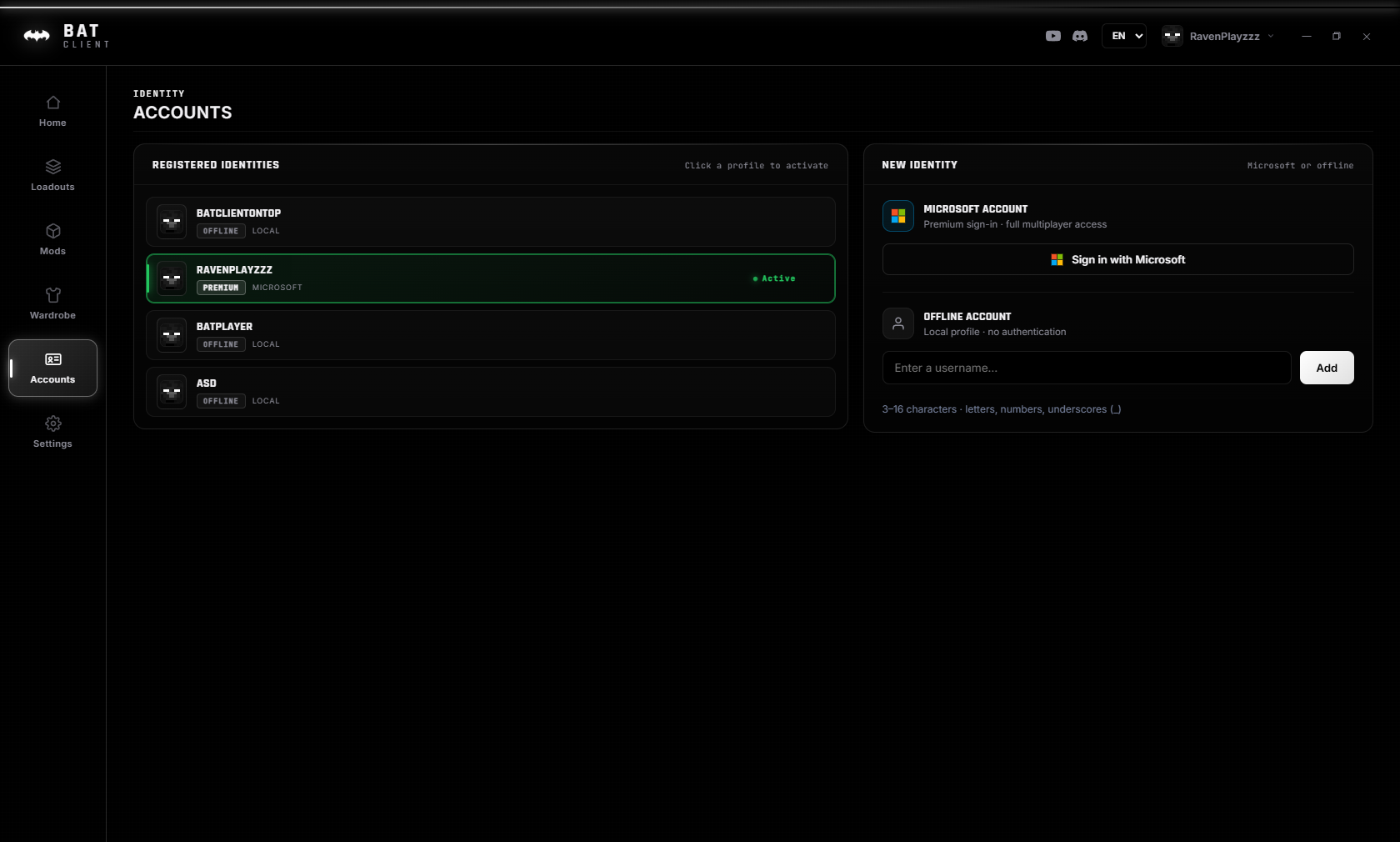
Multi-Account
Cracked and premium accounts side by side. Switch between them in one click — no relogging hassle.
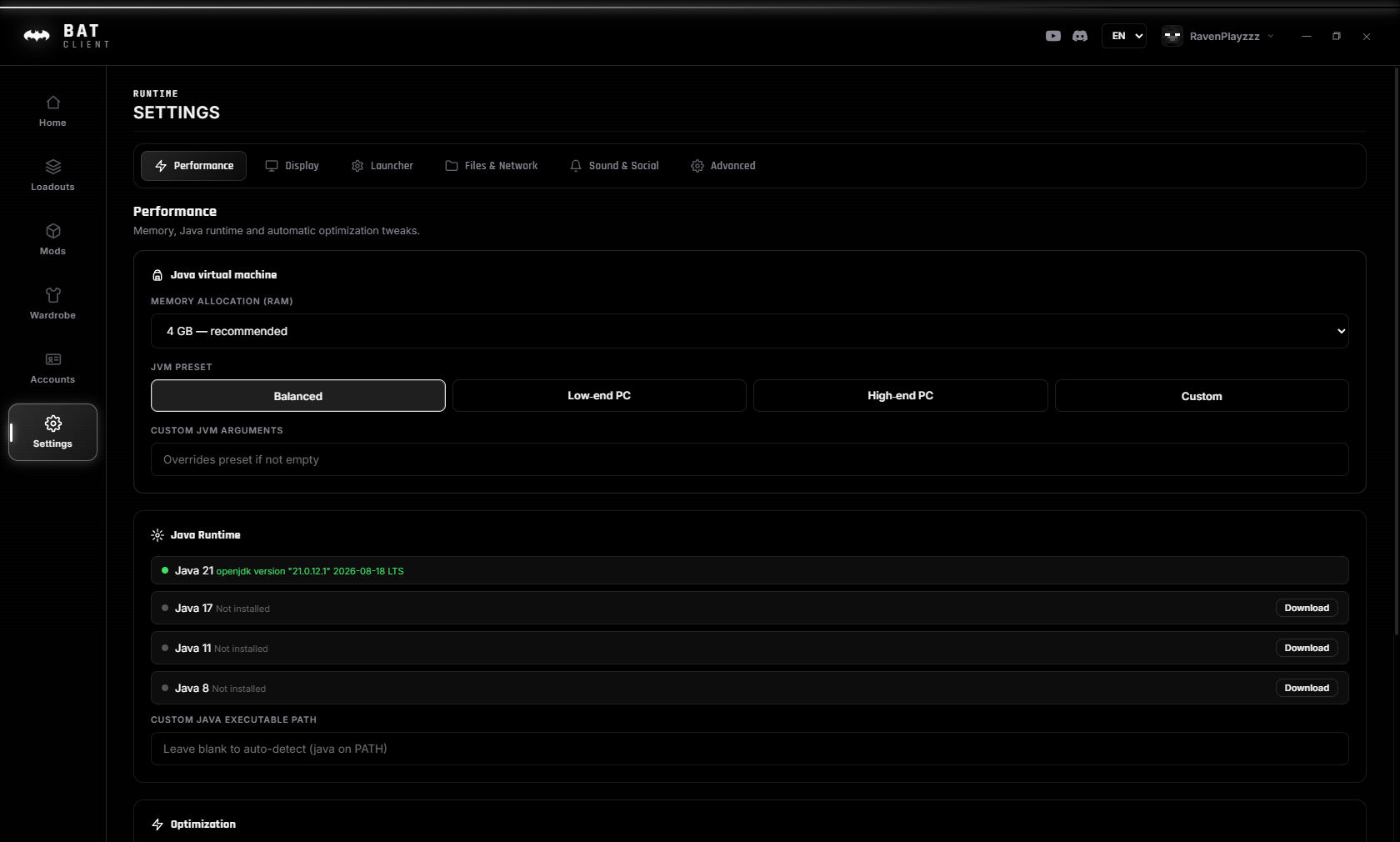
Settings
Window size, Java path, update preferences, notifications, Discord RPC — all configurable from one place.
How it stacks up
Honest numbersBased on our own testing across common setups. Real results vary by hardware and server — try it and see what you get.
Common questions
Everything else that matters
The full pictureCracked + Premium Support
Play with a Microsoft account or go offline. Both modes are fully supported — no feature is locked behind premium.
Cracked Skins on Any Server
See your friends' custom skins on any vanilla offline-mode server, every version from 1.8 to 1.21.11 — no server plugins needed. A client-side agent injects them on join.
Auto-Updater
Updates download in the background and install themselves on restart. You never have to manually download a new version.
Multi-Language
Built-in English, Arabic, and French support. Switch languages instantly from the launcher header — no restart needed.
Smart Java Detection
Bat Client auto-detects or downloads the right Java version for your Minecraft version. No manual path setup.
Secure by Design
SHA-256 verified updates, no password collection, Microsoft OAuth only. Your credentials never touch our servers.
Modrinth Integration
Browse, install, update, and manage mods directly from the built-in Modrinth browser. No external tools needed.
Discord Rich Presence
Show your friends what server you're on, what version you're playing, and how long you've been in-game — all via Discord RPC.
Animated Capes
Custom animated capes that work on cracked servers via our Java agent. Stand out from the crowd with unique cape animations.
Launcher Console & Flight Log
Every launch streams into a live console — mod errors, play time, output. If something goes wrong, the answer is already on screen.
Loadout Export & Import
Share full setup files — mods, versions, RAM, JVM flags — or restore them on a fresh PC in one click.
RAM & First-Run Wizard
A guided setup reads your system and suggests an allocation that fits your RAM — plus one-click Java install if you don't have it.
Join the colony
We hang out, share HUD layouts, and talk shop. Come say hi, or just lurk.
Join the Discord →